World's Smallest Violin
Miniature violin simulator Playdate app
2026
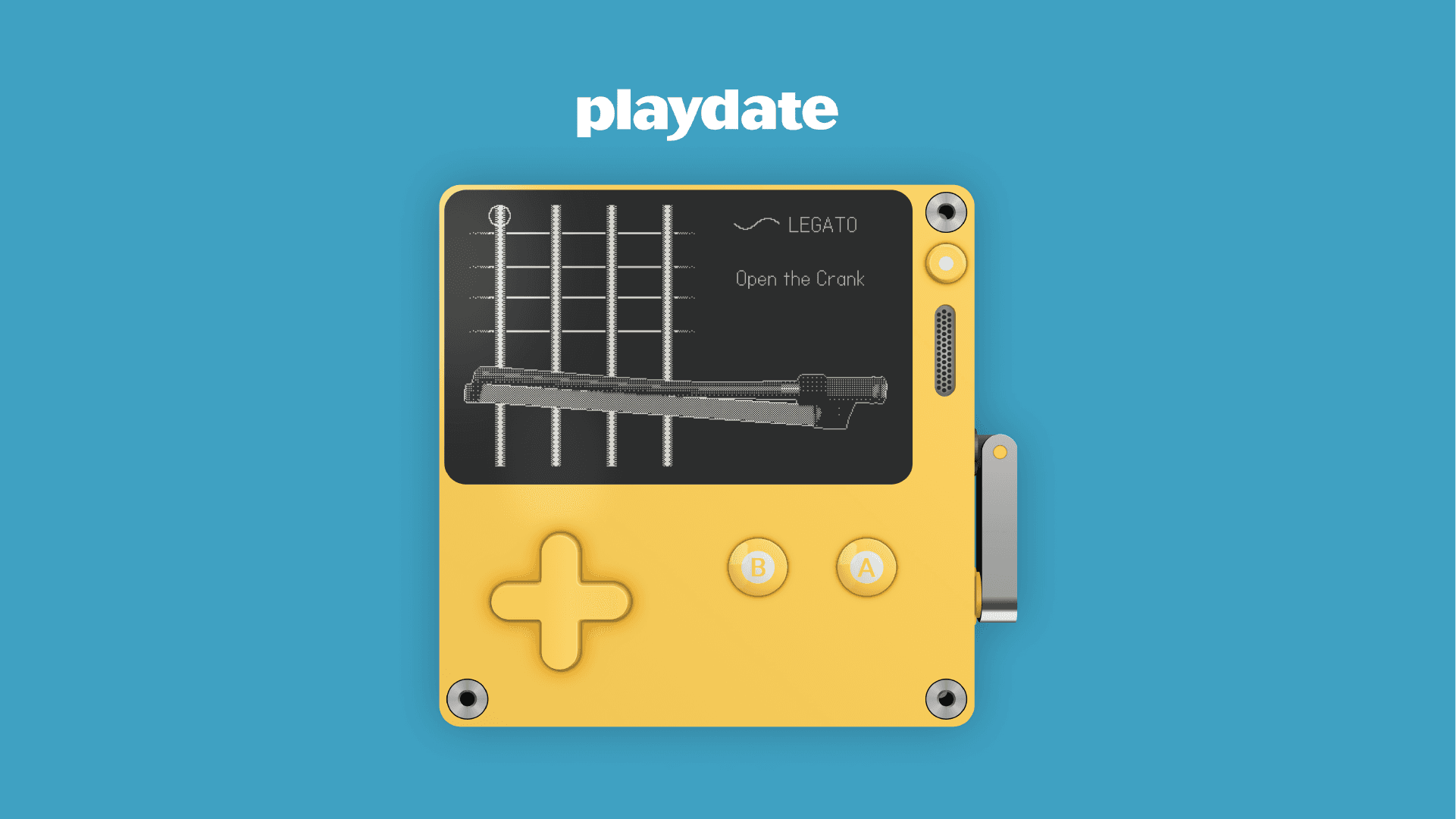
Developing my first playdate app.
Playdate is a tiny, hand-held gaming console with a black-and-white screen and a unique little analog crank. I was a fan of Playdate long before I owned one, since I follow its creators, Panic and Teenage Engineering.
After playing through a dozen games on the device, my head was full of ideas for games of my own. One idea stood out above the rest: I wanted to transform the Playdate console into an instrument. In the spirit of why Panic says Playdate was created, I wanted to build something "just for fun."

Understanding the Tools
Playdate offers a very friendly Software Development Kit (SDK) for developers to create their own games. They even offer a low-code, no-code editor for making simple games, but I wanted more control over my vision, so I decided to use Lua, Visual Studio, and the Playdate Simulator. I was excited to jump in, but first I took a quick crash course on Lua and read through the Playdate SDK documentation.

How could I turn Playdate into a musical instrument, utilizing all of it's different forms of input for a cohesive experience?

Initial Ideation
I couldn't tell you why exactly, but the violin was calling my name. I think it's because I like when they're used in songs, and I've always had a hard time with stock string sounds in Digital Audio Workstations (DAWs). Or maybe it's because I was envisioning some connection between the bow and the crank. Before diving in, I sketched out my idea and created some digital mockups. I like to force myself to slow down and evaluate my ideas frequently, because even though I planned to use Claude in this project, I wanted to allow my idea to evolve naturally rather than generate the end result too fast. It's the journey, not just the destination, that makes a story worth telling!
Creating 3D Assets
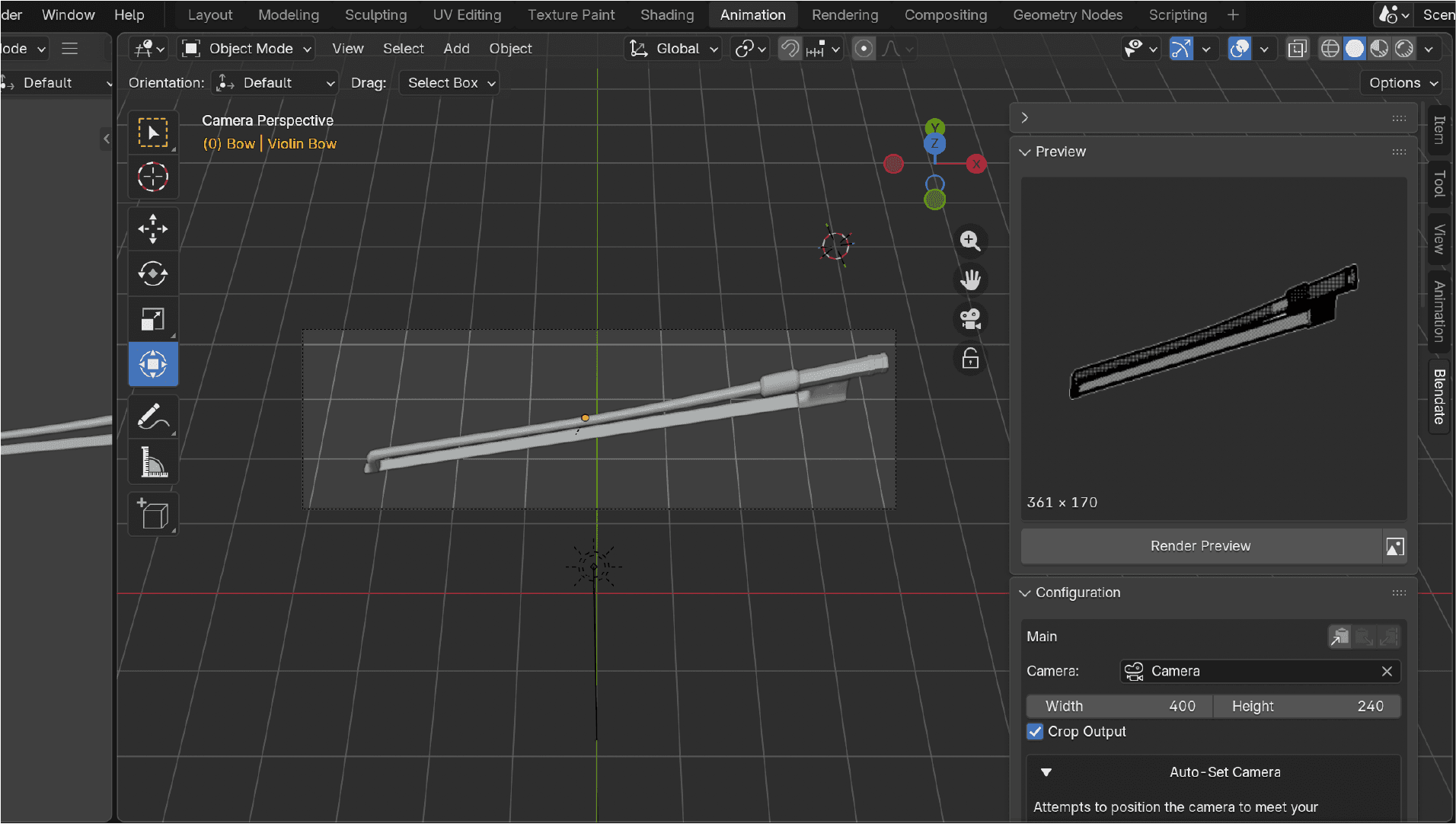
Unlike many modern-day devices, Playdate's graphic limitations make creating pictures, text, and 3D effects a very unique process. Everything that is 3D is actually a series of images stored in a table, much like a GIF, so for my vision of a rotating bow I had two options: create each image of the bow animation by hand, or create a 3D model and capture the frames of a 3D animation. I decided going 3D was the more efficient option, so I used Blendate, a Blender plugin that helps speed up the graphic style, saving Playdate-ready frames and automatically applying the required naming conventions.

Audio workflow
The audio files had to be optimized to work on the device. My workflow looked something like this: find an A4 note I like on Freesound → open it in Logic to trim or modify the audio file → convert the file to 22kHz using ffmpeg on my desktop to optimize it for the Playdate. To play different notes, I decided to just pitch the same original audio file up and down!
Here is the ffmpeg command that I used:
ffmpeg -i ~/Desktop/input.wav -ar 22050 -ac 1 -acodec adpcm_ima_wav ~/Desktop/output.wav
Designing the Controls
To make the controls feel like an extension of the instrument itself, I mapped each input to a physical motion a violinist would actually make. Tilting the device uses the accelerometer to rotate the bow across the different strings, so choosing a string feels like an angling motion rather than a menu selection. The crank slides the bow back and forth to play notes, and I made sure to include the small detail of the bow reaching its end and stopping the sound, just like it would on a real violin. The arrow keys let you travel across the strings, while the A button presses down like a finger on the fretboard, changing that string's note until you press B to release it.
Play Modes
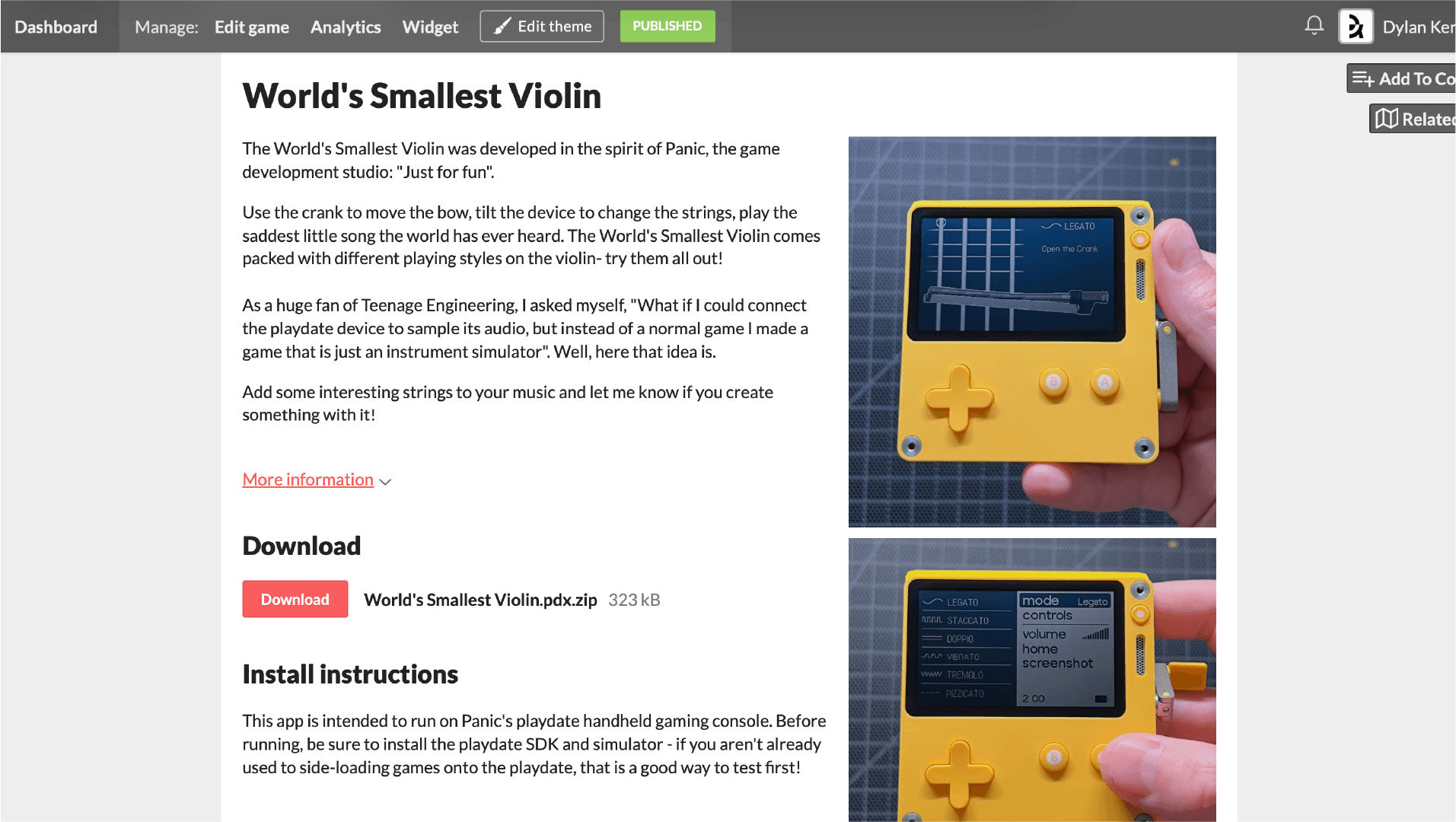
I wanted to account for the different playing styles that violinists might use, so I boiled it down to six different techniques: Legato, Staccato, Doppio, Vibrato, Tremolo, and Pizzicato. You can access each mode from within the menu.
Legato means smooth and connected, with each note flowing into the next without a break. Staccato is the opposite: short, detached notes with space between them. Doppio, typically known as double stops, means two strings are played at once for a fuller, chord-like sound. Vibrato is a slight, rapid oscillation in pitch that adds warmth and emotion to a sustained note. Tremolo is a rapid back-and-forth bowing motion on a single note, creating a shimmering, urgent effect. Pizzicato means the strings are plucked with a finger instead of bowed, giving a plucky, percussive tone.
Full Demo
Here is a full demonstration of me opening and demoing the app. While I would still consider it a prototype, I am very satisfied with my first experience working with this device, particularly how easy it is to sideload onto the device. While developing, you can do it completely wirelessly through the Playdate website's sideloading portal.
I'd love for people to try this for themselves, so I released it on itch.io, completely free. If you're a Playdate user, please give it a try and let me know what you create with it!
Takeaways
This was a moment where many past projects helped me feel comfortable. All the time spent in Unity, all the time learning random programming languages, I was ready for this project! It also taught me something about myself: music, instruments, and playful product experiences are a real theme in my interests. I even created my own small musical instrument once, years ago, that you can find in my portfolio.
I'm walking away with a new appreciation for developing on devices with hardware limitations as well. A game doesn't always need a fancy GPU to be fun or provide a good experience. Sometimes, intentionally creating limitations can help bring out real creativity.